


The “This Person Is Unavailable on Messenger” notification will be familiar to the majority of Messenger users. When a user is unable to communicate with someone on Messenger, this notification shows. There is no one particular reason, though, why this warning might display. We have offered ways for checking them out as well as a list of possible causes for this problem.
When you try to contact someone from your friend list sidebar, you may receive the notice “This person is unavailable on messenger” for a number of different reasons. The person may have blocked you, but there are numerous other possibilities. Investigate the true motivation behind this communication rather than jumping to conclusions.
This Person Is Unavailable on Messenger
The notice “This Person is Unavailable on Messenger” could show up in your Messenger for a few different reasons. There are a number of reasons why a user can get the following notice and be unable to message, including the following:
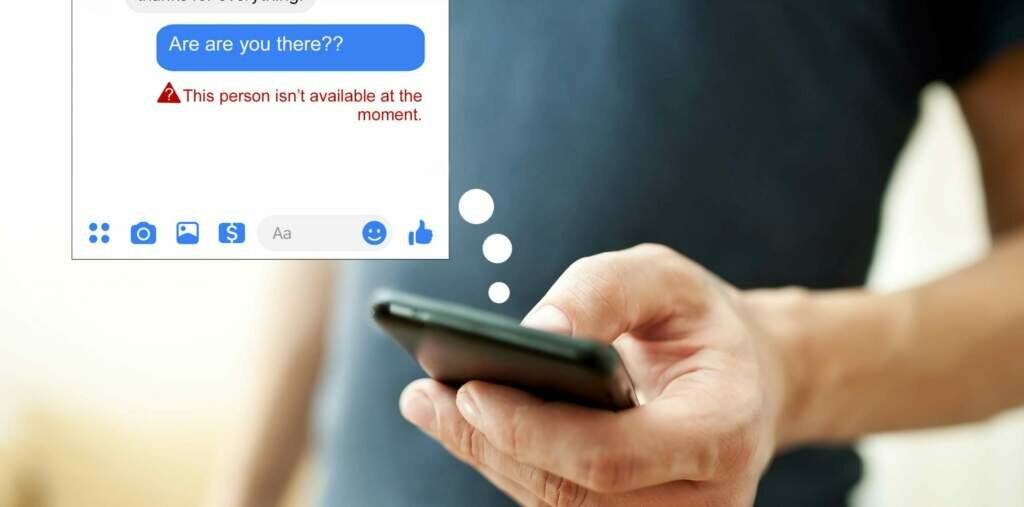
Blocked by A User – One of the most frequent causes is when the person you are texting has unfriended or blocked you on Facebook or Messenger. If you unintentionally blocked the user from your side, the situation will be the same. This prevents you from sending any messages and causes the notification “This Person is Unavailable on Messenger” to appear.
The User Has a Deactivated Account – It turns out that you cannot communicate with someone whose Facebook and Messenger accounts have been disabled. Until they activate their account again, you will see the notification “This Person is Unavailable on Messenger”.
An Account Terminated by Facebook – Finally, you won’t be able to communicate with someone on Messenger if Facebook has deleted their account. Now that you are aware of the causes listed below for why you won’t be able to message your buddy, you may use the following techniques to determine which of the causes applies to you.
Checking if User Has Blocked You
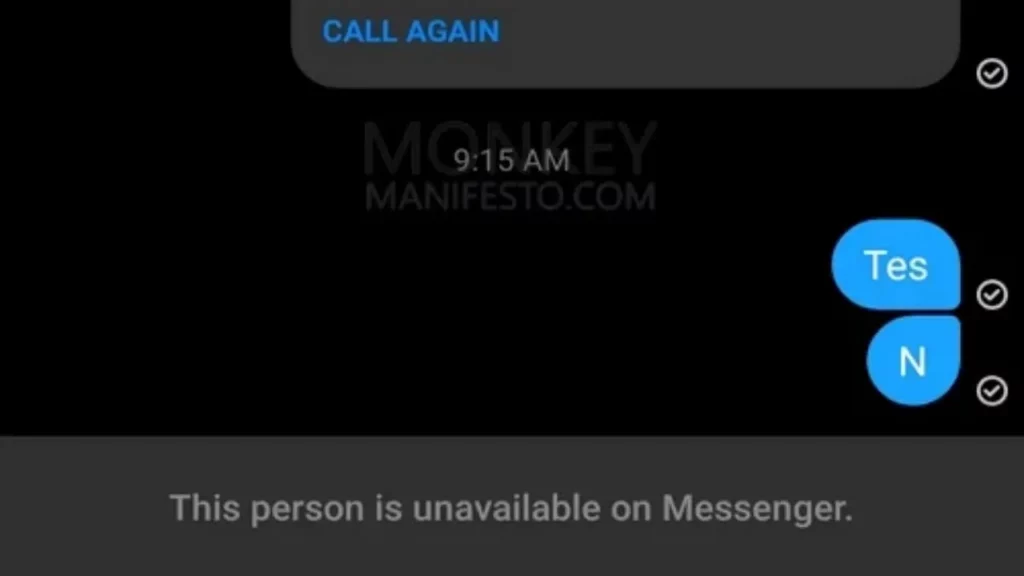
You must first determine whether the person has blocked you or not. You will see a message saying “This Person is Unavailable on Messenger” if the user has blocked you. To determine whether you are blocked or not, you can do the following steps:
- First, log into Facebook and utilize the search option to look up the profile of the person you want to message.
- Try browsing the user’s profile from another Facebook account if you are unable to locate it. You can also browse through using a friend’s account.
- The person has blocked you on Facebook and Messenger if the account now appears on a friend’s account.
Read More: How To See And Check Who Unfollowed You on Instagram? A Step-By-Step Guide!
Checking if User has Deactivated their Facebook Account
If the user has disabled or deleted their Facebook and Messenger accounts, that would be another factor. You can’t tell if an account has been deleted or simply inactive. However, you may verify this by looking through the several accounts listed below, as stated:
- Open the Facebook app and look up the account of the person you want to message.
- Try searching for the user using a friend’s account if you are unsuccessful in finding them. If the account cannot be located using any other ID, it has either been banned from Facebook or has been canceled by the user.
- To be sure, you can also try checking the account with many alternative IDs. Any of the accounts on their buddy list or friends of friends might be worth examining.
Making Sure You Haven’t Blocked the User
You might have accidentally blocked someone on your friend list at times. You will see a notice similar to this on Messenger as a result. By taking the following actions, you can quickly determine if you have blocked someone: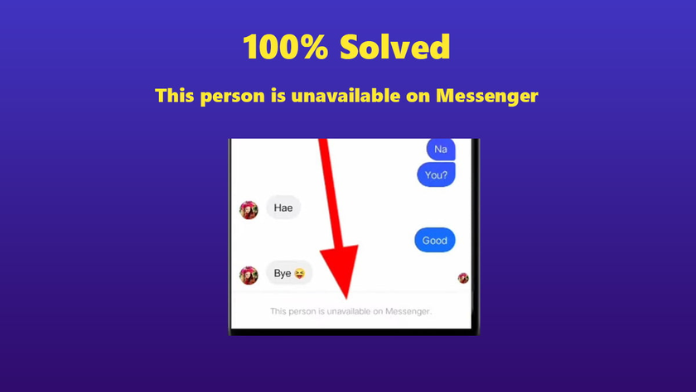
Read More: Does Instagram Send Notifications For Screenshots of Photo Or Video Posts?
- Find the chat where you see the message “This Person is Unavailable on Messenger” by opening the Messenger application.
- To view the chat’s options, tap and hold on to the chat window. If the Block option is present, the user has not been blocked.
- You should unblock the person before messaging them if you see the Unblock option, which indicates that you have already blocked the person. You can start chatting once more by selecting the Unblock option.